How to Create Custom Notion Widgets
Notion's built-in progress options are limited. If you want something that looks good and works well, you end up building custom widgets.
Why SVG?
SVG has become the standard for Notion progress widgets:
- Resolution independent — Crisp at any size
- Fast loading — Lightweight compared to raster images
- Direct embedding — No external hosting required
- Animation support — Can include gradients and interactivity
The XML-based format is human-readable, so you can edit it if you want.
Designing Progress Widgets
Clarity First
The widget should communicate progress quickly. Use color strategically:
- Green — On-track progress
- Yellow — Caution states
- Red — Blocked or critical items
Context Matters
A widget on a project homepage might include more detail than one embedded within a task list. Match visual weight to viewing context.
Generating Widgets
The Notion Progress Generator creates progress widgets:
- Multiple visualization styles: linear bars, circular progress rings, segmented indicators
- Color scheme customization
- Percentage display formatting
- Milestone markers and animation effects
Produces clean SVG code ready for direct embedding in Notion.
Embedding in Notion
Direct Embed
Notion's embed functionality supports direct SVG code insertion in some contexts.
URL Embed
Host SVG files on GitHub Pages or cloud storage, then embed via URL. Change the source file and all Notion embeds update automatically.
Things to Watch
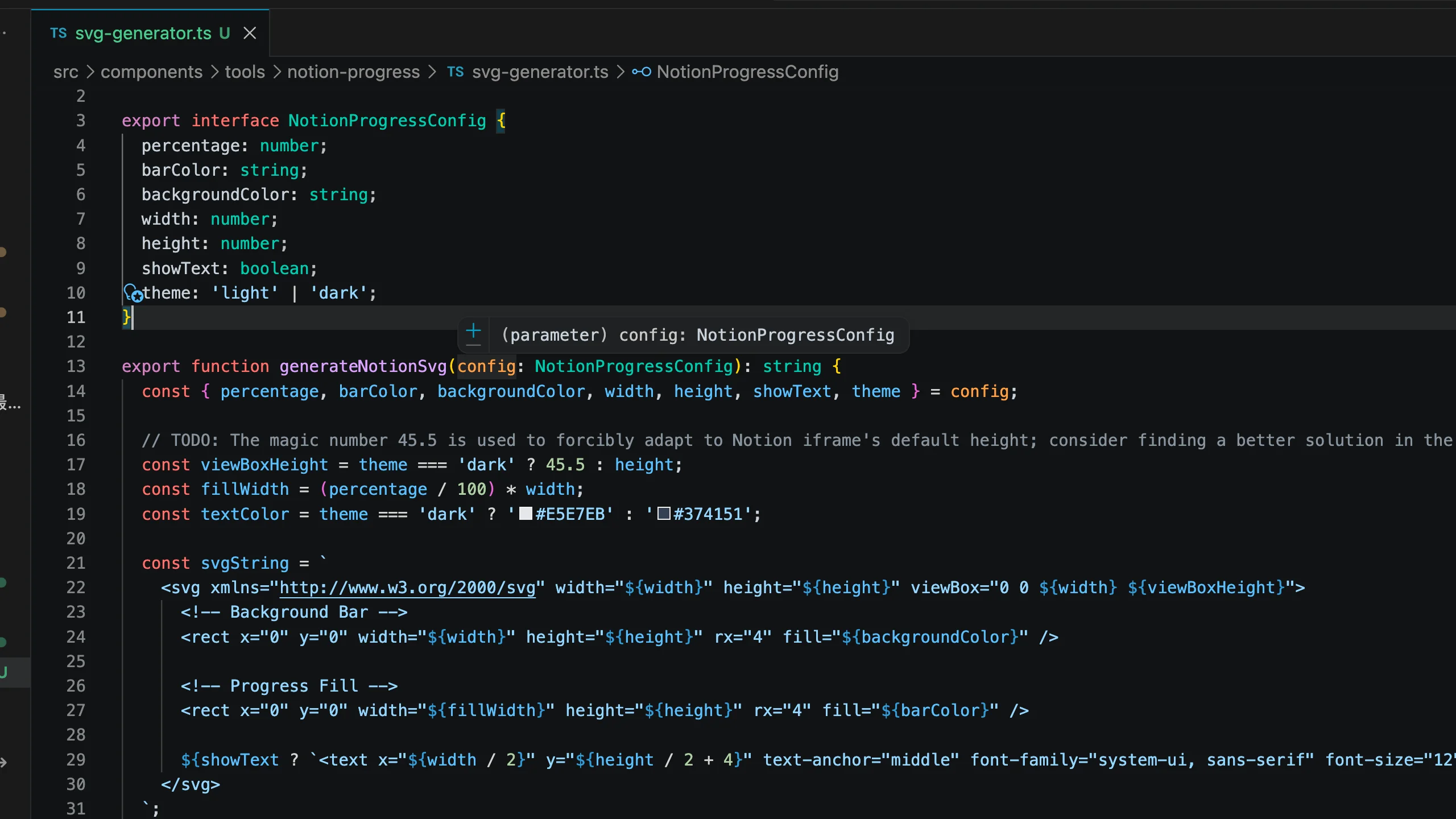
To make the iframe perfectly adapt to dark mode, I hardcoded a few viewBox magic numbers here. Ugly code, but it actually works.
Test across contexts. Desktop, mobile, and embedded views may render differently.
Maintain consistency. Create a cohesive widget ecosystem.
Document conventions. Ensure all team members interpret progress indicators the same way.